How to Harness GeForce NOW's RTX 5080 Power to Stream May's Biggest Game Releases
Introduction
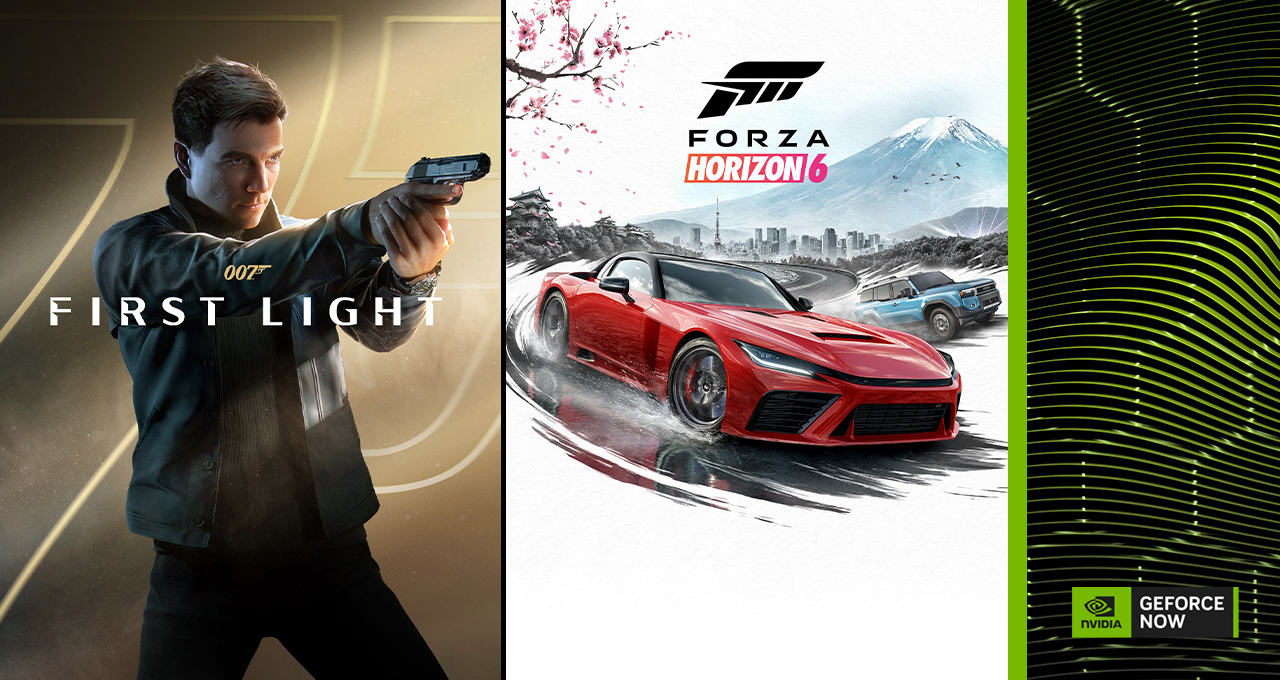
May is shaping up to be a landmark month for cloud gaming, with 16 new titles arriving on GeForce NOW—including blockbuster day-one releases like Forza Horizon 6 and 007 First Light. To make things even better, Ultimate members now get priority access to RTX 5080-class performance, delivering higher frame rates, richer visuals, and more responsive gameplay across the library. This guide walks you through everything you need to know to jump in and start streaming these hot new games instantly from almost any device.
What You Need
- A compatible device (PC, Mac, Android, iOS, Chromebook, TV, or handheld).
- A stable internet connection (at least 15 Mbps for 1080p; 35+ Mbps for 4K/RTX 5080-level).
- A GeForce NOW membership (Free, Priority, or Ultimate).
- Purchases or subscriptions for the games you want to play (via Steam, Xbox, PC Game Pass, or GOG).
- Optional: a controller for the best experience (keyboard and mouse work too).
Step-by-Step Guide
Step 1: Choose Your GeForce NOW Membership
GeForce NOW offers three tiers. For the RTX 5080-class power highlighted this month, you'll want the Ultimate membership. This gives you priority access to RTX 5080 rigs, enabling higher frame rates, ray-traced effects, and ultra graphics settings. Priority members also get improved performance over Free, but Ultimate is the key to unlocking the full potential of next-generation cloud gaming. Sign up at GeForce NOW.
Step 2: Create Your Account and Install the App
After choosing your membership, create your NVIDIA account and download the GeForce NOW app on your device. The app is available for Windows, macOS, Android, iOS (via Safari), Chrome OS, select smart TVs, and even the Steam Deck. Alternatively, you can stream directly through a web browser on many platforms. Once installed, log in and you're ready to link your game libraries.
Step 3: Link Your Game Stores
GeForce NOW works with games you already own. In the app, go to Settings and click Connect next to each store you use: Steam, Xbox (Microsoft Store), Epic Games, Ubisoft Connect, and GOG. For the May releases, most titles will be available on Steam and Xbox/Game Pass. 007 First Light, for example, launches on Steam, Xbox on PC, and GOG—so linking these stores ensures you can stream it as soon as you own it.
Step 4: Purchase or Subscribe to the Games
This month's lineup includes day-one releases like Forza Horizon 6 (May ??), 007 First Light (May 27), plus 14 other titles. You can buy them individually on Steam or GOG, or play via PC Game Pass if you have a subscription. GeForce NOW also supports Install-to-Play for select titles—just click “Install” in the app and the game will be ready to stream instantly. Check the list of featured games below for details.
Step 5: Launch and Stream
Once you've linked your stores and purchased the game, find it in the GeForce NOW library (or search for it). Click Play—the app will automatically queue you into the next available rig. With Ultimate membership, you'll be prioritized for RTX 5080-class hardware. After a short wait (under a minute typically), the game will load in your browser or app window. Adjust streaming settings (resolution, frame rate) in the in-game overlay if needed.
Step 6: Optimize Your Experience
To get the most out of the RTX 5080 power, ensure your network is optimized. Use a wired Ethernet connection or 5 GHz Wi-Fi. Close bandwidth-heavy apps. In GeForce NOW settings, select Custom and set the stream quality to High or Ultra for 4K HDR at 120 FPS (if your display supports it). For a smooth experience in fast-paced games like Forza Horizon 6, enable Adaptive Refresh Rate if available.
May's 16 Games at a Glance
- Forza Horizon 6 (Playground Games) – Day-one on Steam, Xbox, Game Pass. Set in Japan with the densest map yet.
- 007 First Light (IO Interactive) – Day-one on May 27, stealth-action origin story on Steam, Xbox, GOG.
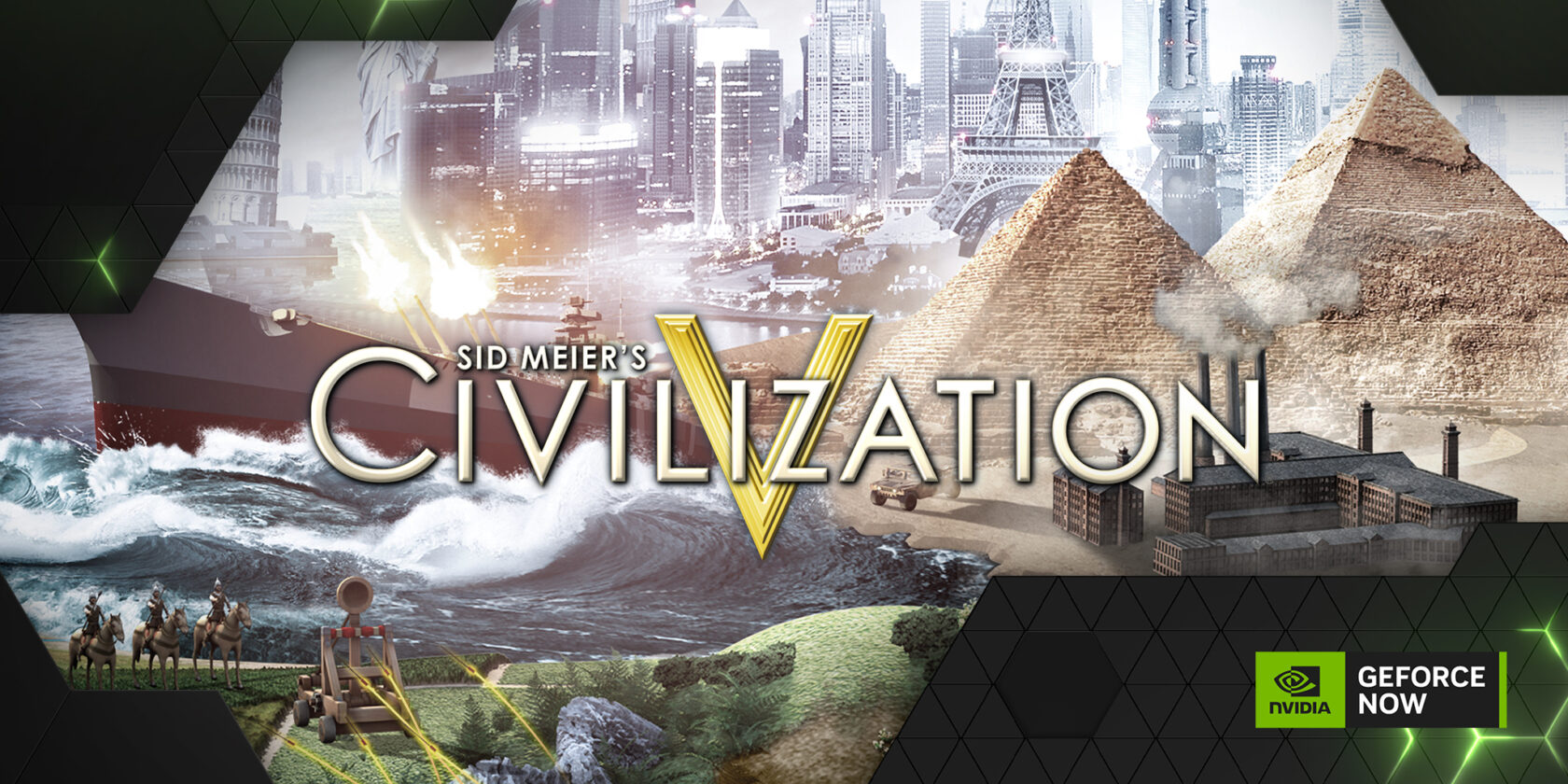
- 14 additional titles, including Firaxis classics (like Sid Meier's Civilization VII and Marvel's Midnight Suns) available via Install-to-Play.
- Six games rolling out in the first week alone—check the app for the full roster.
Tips for a Flawless Cloud Gaming Session
- Network speed matters: For RTX 5080-level streaming, aim for 35+ Mbps. Lower speeds still work but may reduce quality.
- Use the right device: Mobile? Try a controller clip or Bluetooth gamepad. On TV, use an NVIDIA Shield or a compatible smart TV app.
- Enable performance stats: Press Ctrl+Alt+F6 (on PC) to see frame rate, latency, and packet loss—helps you troubleshoot.
- Take advantage of Install-to-Play: For supported games, you can “install” them to your cloud library for later streaming without a lengthy download wait.
- Check for sales: The article mentions a Steam celebration sale on select Firaxis games—grab them at a discount and stream them immediately.
- Try Ultimate first: If you're unsure, GeForce NOW often offers free trials for Ultimate. Experience the RTX 5080 boost before committing.
Conclusion
With 16 new games, day-one support for two massive titles, and expanded RTX 5080 performance for Ultimate members, May is the perfect time to dive into cloud gaming. Follow these steps, optimize your setup, and you'll be driving through Tokyo City or stepping into Bond's shoes in no time—all without a high-end gaming PC.
Related Discussions